
How does AR measuring work?
The app uses the device camera for AR-assisted measuring so you can map a project area visually. Always verify important measurements before ordering material.
Answers for AR measuring, manual entries, saved estimates, scan snapshots, purchases, and restore purchases.
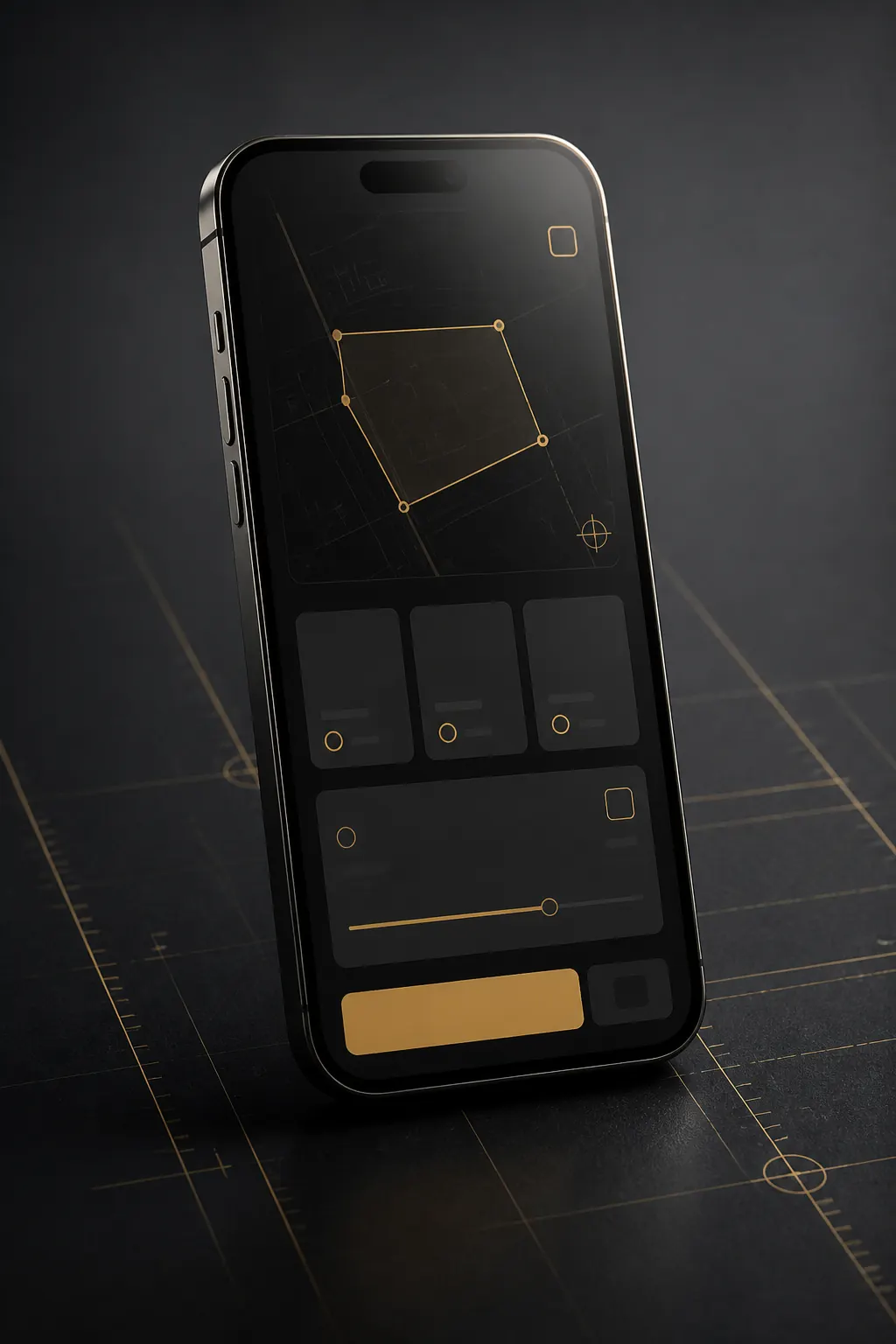
Quick help for measuring, calculating, saving estimates, and managing purchases.
The app uses the device camera for AR-assisted measuring so you can map a project area visually. Always verify important measurements before ordering material.
Yes. Use the manual calculator when you already have dimensions, a known area, or measurements from a tape measure or drawing.
Yes. Saved estimates and project details remain available on the device for later review.
Scan snapshots help you recognize the measured area when you return to an estimate later.
If paid features or subscriptions are available, purchases are handled through Apple. RevenueCat may be used to manage purchase status and feature access.
Look for Restore Purchases in the app's purchase screen or settings. Make sure the device is signed into the same Apple ID used for the original purchase.